Follow the ordering steps from product options and checkout to confirmation, delivery and payment at the door.
You can choose and configure furniture, review the order and submit it through checkout. Where Pay on Delivery applies, you do not make an advance payment. The order still needs final confirmation before fulfilment.
Choose and configure your product
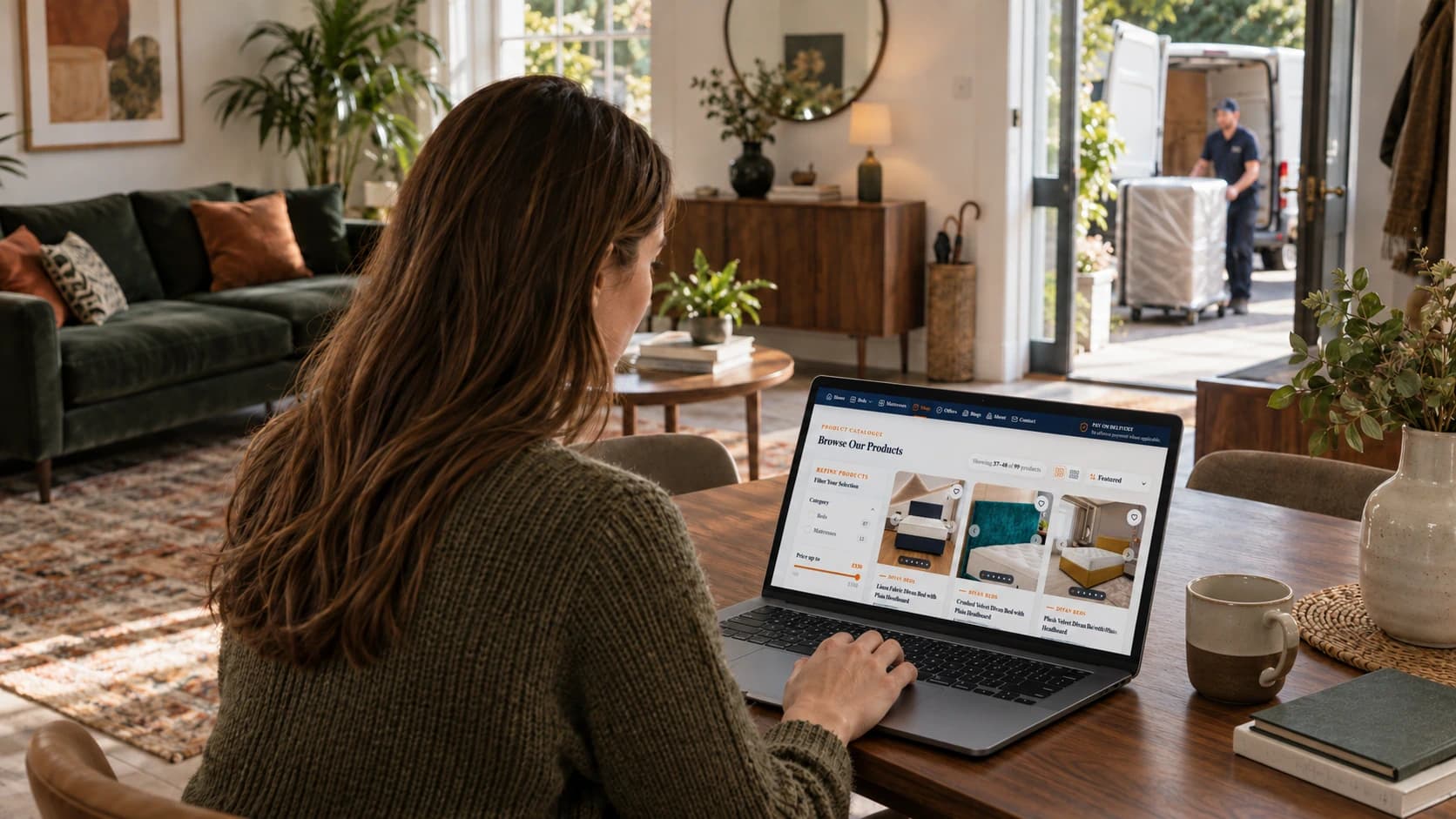
Start in the shop and open the product you want. Select the available size, colour or other options that apply to that item. A bed in the beds collection, for example, may have choices that affect its configured price. Check the displayed price, dimensions and specifications for the exact option you select before adding it to the cart.
Review your cart before checkout
The cart shows the selected product, its available configuration details, quantity and price. Check that the choices match what you intended, including any add-ons. For eligible configured items, Edit configuration lets you return to the product and change the selection from the cart. You can also adjust the quantity before proceeding.
Correct a wrong size or option before checkout.
Enter your checkout and delivery details
Checkout asks for your contact details and the delivery address. Enter an address that can be used for the order and a phone number on which you can be reached, because the team needs to contact you before delivery. Review the item summary, selected options and total alongside your details.
Before selecting Place Order, confirm that the information is correct and agree to the applicable terms and delivery conditions. Submitting the form sends the order details for review.
What Pay on Delivery means
The current checkout shows Pay At Door. Where Pay on Delivery applies, no advance payment is required: payment is made when the order arrives, rather than charged as an online deposit at checkout. This is subject to final order confirmation. Delivery is free on every order.
What happens after you place the order
The order confirmation screen shows that your details have been received and provides an order number. Keep that number with your order details in case you need to contact Pay At Door. The team reviews the order and coordinates fulfilment with the relevant supplier; submission is not automatic acceptance or a promise of a particular delivery date.
The delivery team contacts you before delivery. A date or window may be estimated or coordinated for your order, and practical circumstances can change the timing. Keep your contact details accurate so the team can reach you about the arrangement. The Delivery Information page explains what to prepare and how delivery timing is handled.
Receiving, inspecting and paying
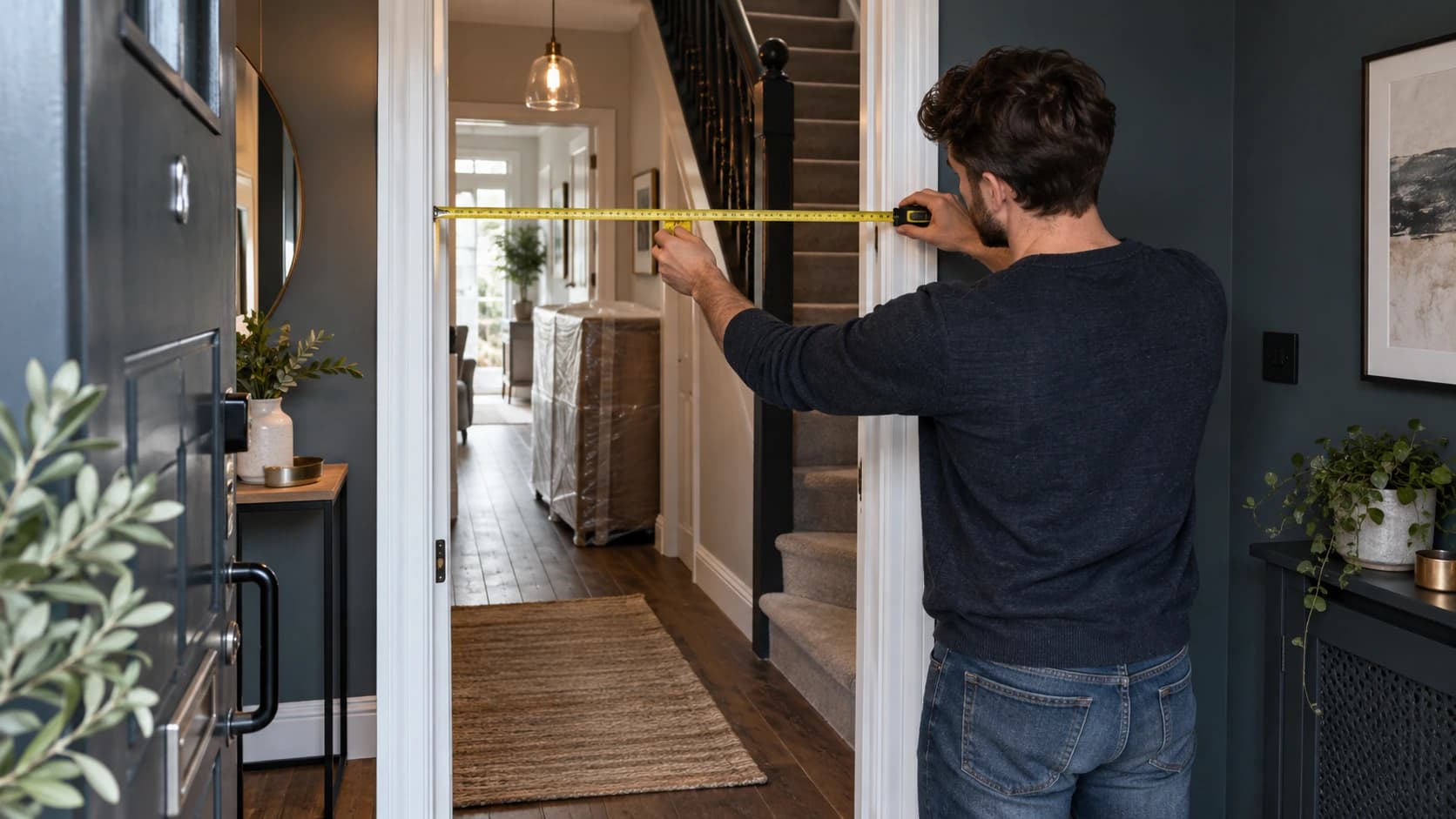
Prepare suitable access for the delivery. Where practical, inspect the item when it arrives and before paying: check that it is the item ordered and look for visible damage or other concerns. Pay according to the agreed Pay on Delivery arrangement, and keep the receipt and order details.
If the item is damaged, faulty or incorrect, report it to Pay At Door promptly. Give your order details and clear photographs where possible. Pay At Door coordinates after-sales matters with the relevant supplier. See Returns & After-Sales for the current process.
When you are ready to order, choose the product options you need, review the cart and checkout summary, and check the delivery guidance if you have an access question.
Browse our available products and choose the option that best suits your needs.
Browse Products